Anyone who spends a lot of time writing / editing HTML and CSS should spend some time to learn how to use browser development tools. All the features shown here are easily accomplished using built-in tools. And a lot more
Agreed. Are there advantages to this over say Firefox Web Developer Tools, where not only can you see the css as you hover but actually edit the css to see the changes? What am I missing? If there are benefits, I'm not sure the site is doing a very good job of selling them.
Absolutely. (FOR FREE!) - do a search for something like "Firefox web developer tools css tutorial". Some of the older (Web 2.0) videos will mention Firebug (~kind of the same thing). Basically you can hover over any css element, and even SELECTIVELY copy just the applicable css class or id (usually more useful than copying the whole stylesheet). Better still, it allows you to edit/insert/delete rules right in there in the Document Object Model (DOM) to see the effect it has.
Not sure those are the same at all? The submission copies all applied styles, complete with breakpoints. A class / id is only a portion of applicable styles, multiple selectors can match the same element. This is more like copying the non-auto rules in the "Computed" tab, with breakpoints.
Chrome has "Copy Styles", but that doesn't get breakpoints. I don't know if Firefox does, but I haven't looked very much. It doesn't look like Safari does either.
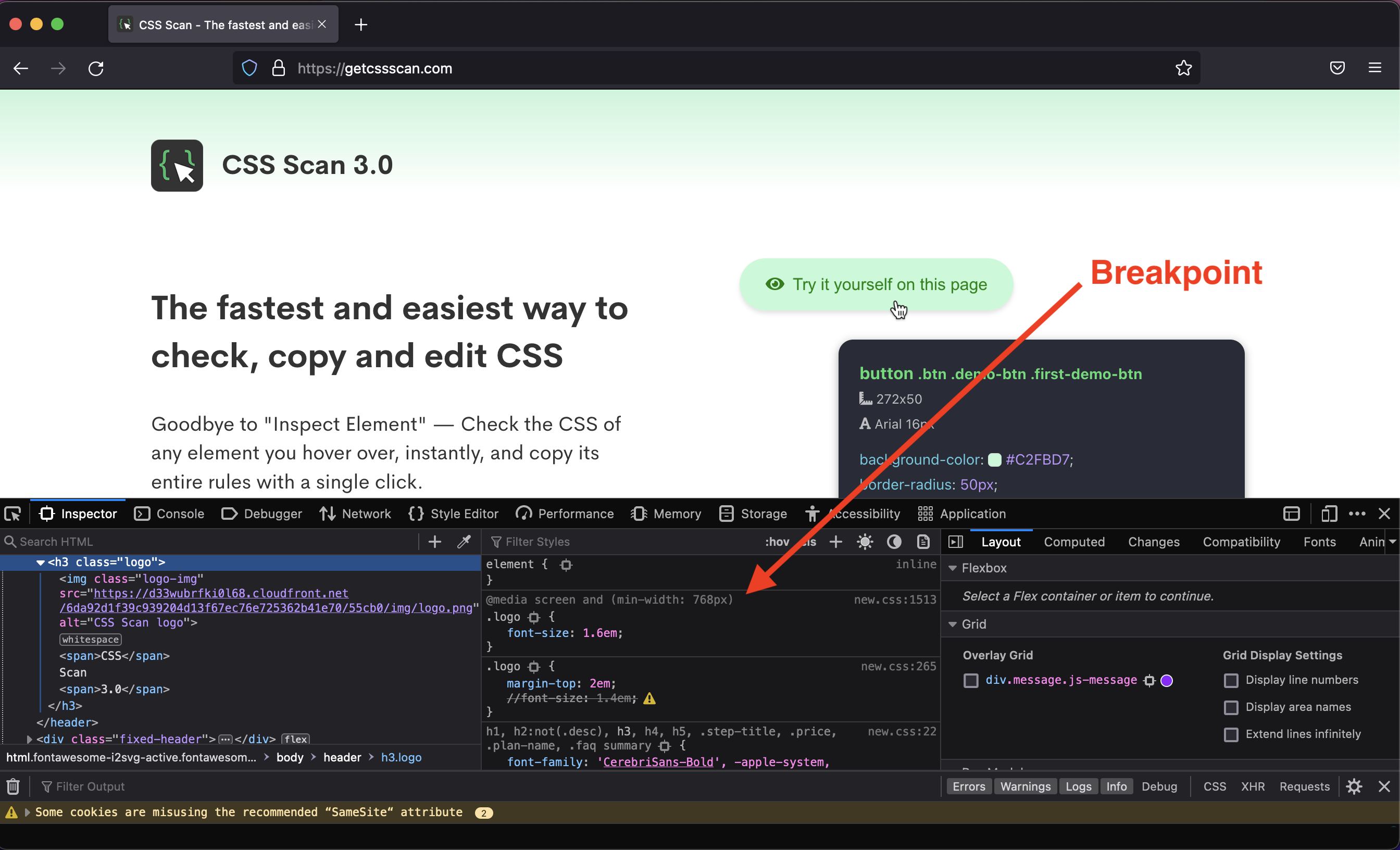
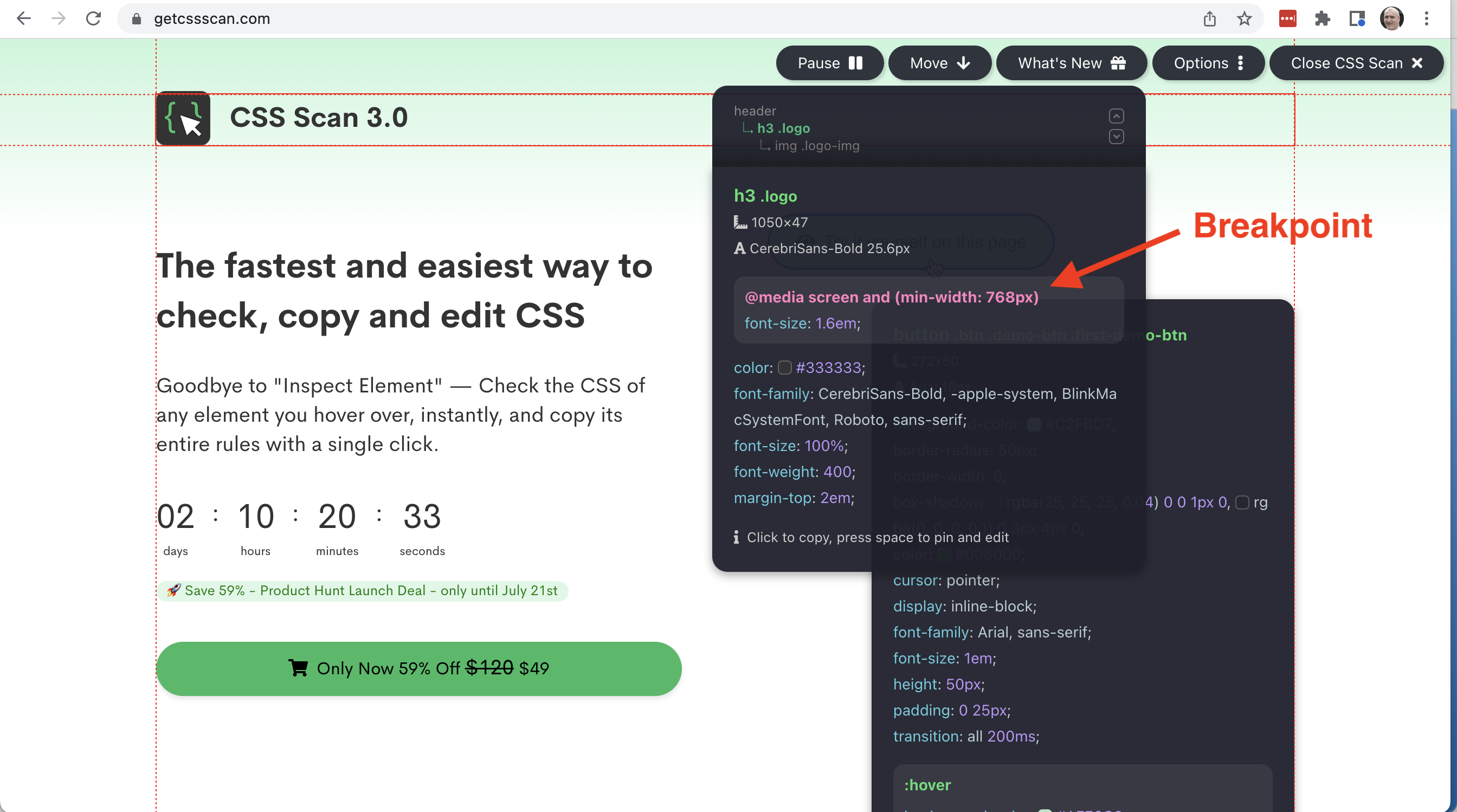
Perhaps I am not understanding you correctly. Firefox Web Developer Tools shows css breakpoints [0] much the same as getcssscan.com [1] - here the examples are with the h3 logo class. Firefox WDT actually shows the entire css cascade.
And back to the original question, how do you copy the font size from the breakpoint rules, the margin from the second set of rules, and the font family from the third, with a callout to the breakpoint, in a single click using Firefox dev tools?